
Twitch: Live Streaming
Overview
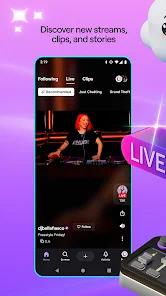
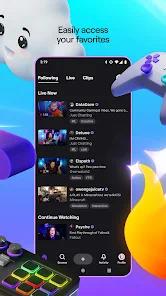
Twitch: Live Streaming serves as the primary gateway to the world’s most significant live-streaming ecosystem. Originally a offshoot of Justin.tv focused exclusively on gaming, the platform has evolved into a multi-faceted cultural phenomenon encompassing music, creative arts, and "Just Chatting" lifestyle content. At its technical core, the Android application is a sophisticated media player built to handle the complexities of real-time, low-latency communication between millions of concurrent users. The infrastructure relies heavily on specialized protocols to ensure that the delay between a creator’s action and a viewer’s response is minimized, fostering a sense of "digital presence" that traditional television cannot replicate.
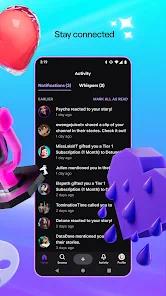
One of the most insightful observations regarding the Twitch Android app is its integration of Nielsen’s proprietary measurement software. This inclusion marks the platform’s transition from a niche gaming community to a mainstream media heavyweight, allowing it to provide data comparable to traditional TV ratings for advertisers. The application also features a robust monetization framework, including "Bits"—a virtual currency purchased via the Google Play billing system—and tiered subscriptions that provide viewers with exclusive emotes and ad-free viewing experiences. For creators, the app provides a mobile-first dashboard for managing streams and monitoring real-time analytics, which is essential in the high-stakes environment of professional broadcasting.
However, the official application’s feature set often lags behind community-driven expectations, particularly regarding third-party extensions. These third-party enhancements highlight a critical gap in the official app’s design philosophy, where corporate stability is prioritized over the fluid, extension-heavy culture that defines the Twitch experience on desktop browsers.
Furthermore, the application’s performance on Android is heavily dependent on the "Android System WebView," with developers recommending the latest updates to ensure the video player’s stability and efficiency. The app's small APK footprint—often less than 2MB for specialized clients—contrasts with its high data and storage usage, which it manages through auto-cleaning tools to maintain device performance.
Pros & Cons
The application provides unparalleled access to a global network of live content creators, ensuring a 24/7 stream of entertainment across thousands of niche categories.
Monetization and community-building tools, such as channel points, raids, and interactive polls, are deeply integrated to enhance user retention and creator revenue.
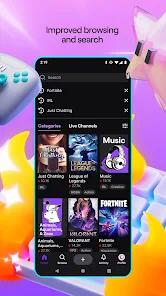
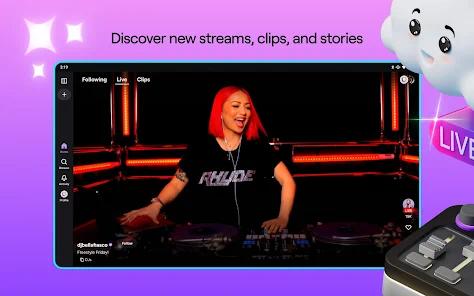
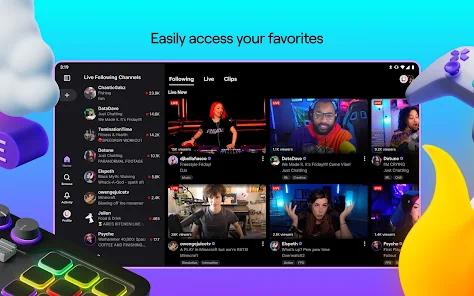
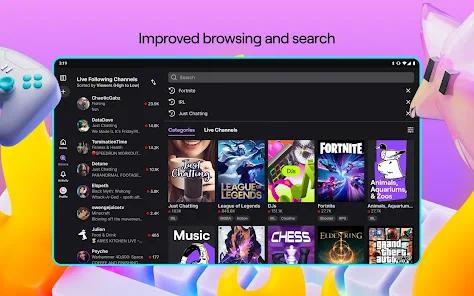
The search and discovery algorithm is highly refined, allowing users to find content based on game titles, language, tags, or trending "communities".
High-quality video playback supports variable bitrates and resolutions, ensuring a smooth experience even on inconsistent mobile networks.
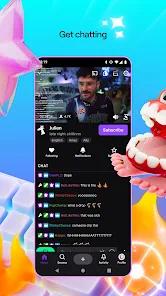
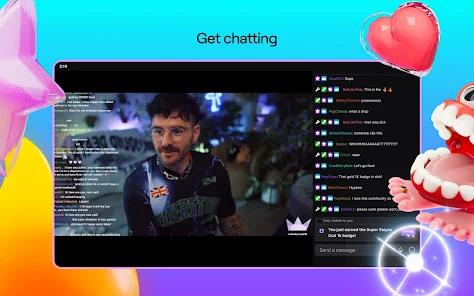
Strong emphasis on real-time engagement through a high-concurrency chat system that supports moderated interactions and community-specific rewards.
Integration with professional analytics tools allows for the tracking of viewer demographics and growth trends directly within the mobile environment.
- ✕
The official application lacks native support for popular community emote extensions (BTTV, FFZ, 7TV), which are central to the platform's social lexicon.
- ✕
High advertisement density, particularly non-skippable pre-rolls, has become a significant friction point for non-subscribed users.
- ✕
The Android TV version of the app is notably limited, omitting critical features like Raid following and direct chat input, often forcing users to use a secondary mobile device.
Download


FAQs
How can I view 7TV or BTTV emotes on the Twitch Android app?
Currently, the official Twitch app does not support these third-party extensions. Users must utilize alternative clients like "SmartTV Client for Twitch" or specific mobile browsers with extension support to view them.
Does the Twitch app support background audio?
Yes, users can enable "Audio Only" mode in the player settings, allowing the stream to continue playing even when the screen is locked or the app is minimized.
Can I stream from my phone using the Twitch app?
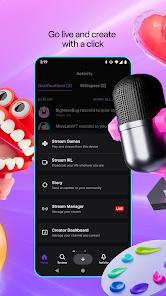
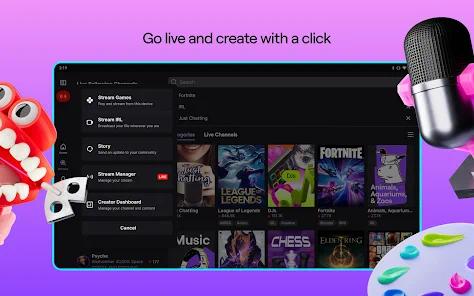
The app includes a "Go Live" feature that allows users to broadcast their camera feed or their screen directly to their Twitch channel.
Why is my stream lagging even on fast Wi-Fi?
Latency is often a result of the "Low Latency" setting being toggled on. While this makes chat more interactive, it requires a very stable connection. Toggling this off in the player settings can improve stability.
How do "Bits" work in the mobile app?
Bits are a virtual currency used to "Cheer" in a creator's chat. On Android, they are purchased through the Google Play Store, and a portion of the revenue goes to the creator and the platform.
What is the "Nielsen Measurement" in the app?
This is a tool that allows Twitch to contribute to market research data, similar to traditional TV ratings, helping advertisers understand the reach of the platform.
Hot Reviews
Users frequently commend the app for its social features, noting that the ability to interact with a streamer in real-time through polls and chat makes it far more engaging than traditional video-on-demand platforms.
A recurring theme in recent feedback is the intrusive nature of mid-roll advertisements. Long-term viewers often express that the platform has become less "viewer-friendly" as it pushes users toward paid subscriptions.
Professional users and esports fans praise the app's stability during major tournaments, highlighting the fluid frame rates and high-definition resolution that allow for an immersive viewing experience.