
DuckStation
Overview
The original Sony PlayStation architecture relied on unique hardware chips, making high-precision software emulation quite a challenge. DuckStation, developed by Connor Gritton (Stenzek), is a PlayStation (PSX/PS1) emulator that focuses on extreme accuracy, speed, and long-term project maintainability. It models real hardware states directly, providing an accurate recreation of 32-bit console environments.
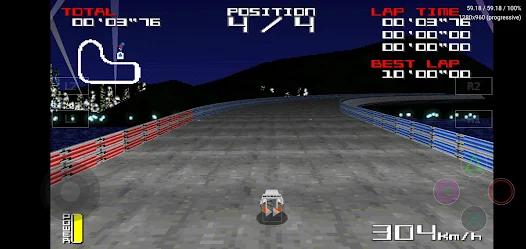
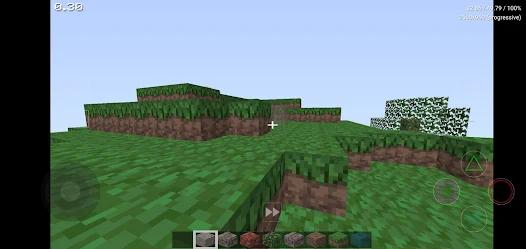
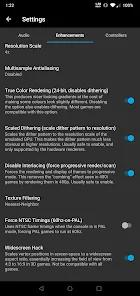
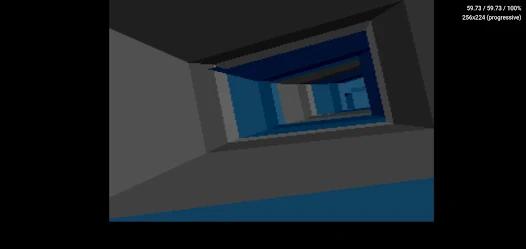
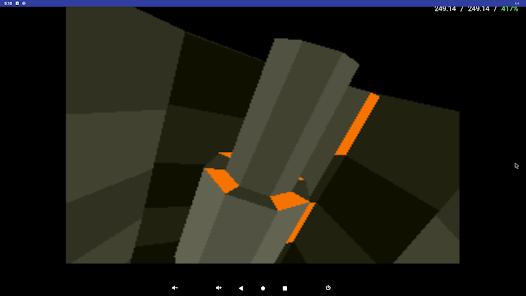
The software features an impressive set of visual enhancements, utilizing OpenGL and Vulkan backends to run retro games far beyond their native resolutions.
A standout feature is PGXP (Parallel Geometrical Transform Pipeline) technology. This pipeline calculates floating-point coordinates to correct the original console's integer-only GTE limits, eliminating the polygon jittering and texture warping common to early 3D games.
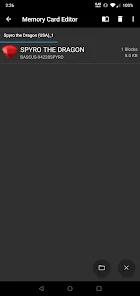
On modern 64-bit ARM architectures, DuckStation runs efficiently, allowing users to apply demanding post-processing filters and CRT shaders even on budget phones. However, its focus on accuracy means it has higher minimum system requirements than older emulators. It requires at least a CPU on 32-bit ARM devices to avoid performance drops. In addition, because the app saves files in protected system directories, manually accessing save states and virtual memory cards to transfer them to a PC can be quite difficult.
Pros & Cons
PGXP Coordinate Correction: Eliminates the classic PlayStation polygon "wobble" and texture warping for clean 3D visuals.
Low-Level Vulkan API Support: Uses modern graphics drivers to improve rendering efficiency on multi-core processors.
High-Resolution Upscaling: Allows resolution scaling up to , rendering classic titles in sharp high-definition.
Integrated RetroAchievements: Connects directly with the RetroAchievements database to track retro trophies in real time.
Flexible Storage Access Framework: Allows loading game images directly from SD cards or external USB-OTG drives.
Dynamic CPU Overclocking: Overclocks the emulated system CPU to stabilize in-game frame rates and reduce lag.
- ✕
Isolated Storage Layout: Saves virtual memory card files in secure folders, preventing manual backups or direct PC syncing.
- ✕
Higher System Requirements: Demands more processing power than older emulators, requiring at least a CPU.
- ✕
Sourcing BIOS Files is Required: Sourcing a real PlayStation BIOS file is required to boot games, which can be tricky for casual users.
- ✕
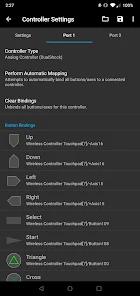
Complex Mapping Menus: Remapping multi-button controllers and analog stick axes requires going through a somewhat complicated setup menu.
Download
 Get it on Google Play
  Get it on App Store
 FAQs
Why does DuckStation require a separate BIOS file?
The PlayStation system BIOS contains copyrighted code owned by Sony, meaning it cannot legally be bundled with the emulator.
What game file formats are compatible with this emulator?
The emulator officially supports .cue, .iso, .img, .ecm, .mds, .chd, and unencrypted .pbp formats.
Does the emulator support physical USB or Bluetooth controllers?
Yes, it supports external gamepads like Xbox and PlayStation controllers, with full virtual-to-physical button mapping.
How does PGXP improve visual quality?
PGXP bypasses the original integer math limits, using floating-point math to prevent textures from warping and polygon edges from separating.
Can DuckStation run multiple discs under a single file listing?
Yes, the app features an M3U playlist manager that groups multi-disc games together for seamless disc swapping.
Hot Reviews
Users highlight that demanding games like Vagrant Story, which glitch on other emulators, run flawlessly on default settings.
Reviews praise how well the graphics scaling is optimized, letting players run games at resolution with scanline shaders even on older devices.
Some players complain that they cannot access their save files directly, making it difficult to share saves between their phone and PC.