AirScreen - AirPlay & Cast
Overview
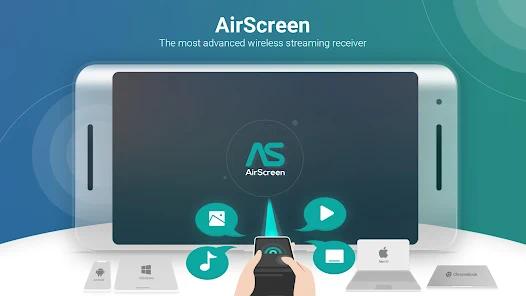
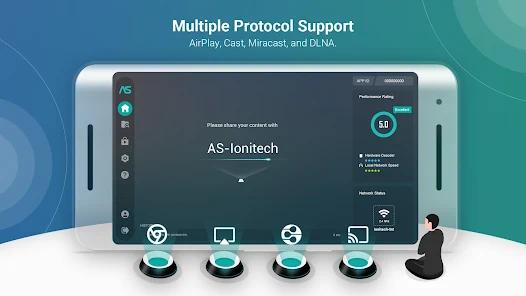
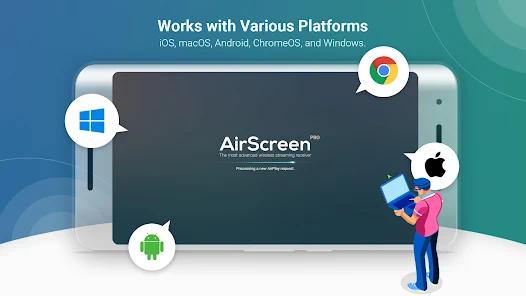
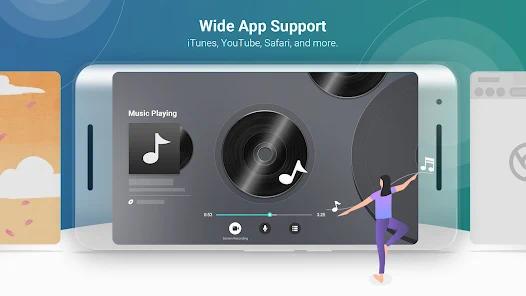
AirScreen - AirPlay & Cast is a software-based multi-protocol wireless streaming receiver designed for big-screen devices like Android TV and smart boxes. The main appeal of AirScreen is its ability to turn an Android host device into a unified receiver target capable of decoding various streaming protocols. This architecture supports Apple's proprietary AirPlay, Google Cast, Miracast, and standard DLNA.
To enable discovery across local networks, the application runs an on-device mDNS (Multicast DNS) responder, often referred to as Bonjour in Apple ecosystems. This service constantly broadcasts the receiver's presence on the local network using UDP port 5353. Once a source device connects, the application's protocol parser decodes the incoming media packets.
For AirPlay streaming, the app decrypts the custom RTSP (Real-Time Streaming Protocol) control signals and processes the audio and video synchronization markers. This processing allows Apple devices to stream to Android TV hosts without needing external hardware adapters.
To maintain performance, AirScreen utilizes Android's hardware-accelerated video decoding APIs (MediaCodec) to route incoming H.264, H.265, or VP9 streams directly to the host device's GPU. This design reduces CPU workload and helps prevent frame drops or overheating during 4K UHD playback.
However, because the application relies on reverse-engineered protocols (especially for AirPlay streaming), system updates from Apple can occasionally break compatibility. Additionally, the app cannot bypass hardware-enforced DRM (Digital Rights Management) systems like Widevine L1 or FairPlay. If a user tries to cast protected content from apps like Netflix or Disney+, the video stream displays as a blank or grey screen because the software receiver cannot complete the secure HDCP handshake. It also offers ad-supported free version with premium recurring subscriptions.
Pros & Cons
All-in-One Protocol Receiver: Unifies AirPlay, Google Cast, Miracast, and DLNA standards into a single application target.
Zero Sender Installation: Runs entirely on the receiving device, allowing source phones, tablets, and computers to cast using native system menus.
GPU-Accelerated Decoding: Utilizes direct hardware decoding to reduce CPU load and enable stable 4K UHD stream processing.
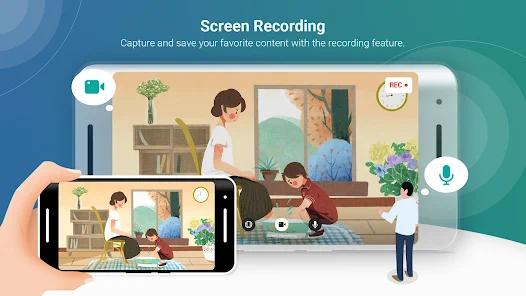
Local Stream Capturing: Includes an on-device screen recording tool that lets users save unencrypted video streams directly to storage.
Background Standby Engine: Runs quietly in the background on Android TV, enabling quick connections without needing to open the app manually.
Configurable Aspect Ratios: Supports landscape and portrait orientation locking, making it versatile for mirroring different screen shapes.
- ✕
Strict Session Limits: The free tier restricts continuous casting to short sessions, often requiring users to watch ads or pay a subscription to continue.
- ✕
DRM Playback Failures: Cannot display copy-protected content from services like Netflix, Hulu, or iTunes, resulting in a black screen.
- ✕
Intrusive Ad Experience: The free version contains heavy ads that can disrupt active network handshakes and cause connection drops.
- ✕
No Lifetime License: Monetization is tied strictly to recurring subscriptions, with no flat-rate option for permanent premium access.
Download
 Get it on Google Play
  Get it on App Store
 FAQs
Why does the screen turn black or grey when casting Netflix via AirPlay?
This is caused by DRM copy protections. Software-based protocol emulators cannot complete the required HDCP secure pathways with the source device.
Do both devices need to be on the same Wi-Fi network?
Yes, both the sender and receiver must be on the same local network subnet to allow mDNS discovery and data transmission.
Does AirScreen require any software to be installed on the sending device?
No, the sending device uses its built-in system-level casting menus, such as iOS AirPlay or Android Screen Cast.
Can AirScreen receive and display streams from a Windows PC?
Yes, Windows PCs can stream using Google Cast or Miracast standards over local Wi-Fi.
How does Background Service Mode impact device memory?
It consumes minimal standby RAM and only activates the full decoding engine when an incoming casting signal is detected.
Hot Reviews
Users appreciate how easily they can mirror Apple devices (iPhones, MacBooks) to Android TV boxes without needing to purchase an Apple TV.
Many reviews express frustration over the free version's short casting limits, feeling that basic protocols are locked behind expensive subscriptions.
Users frequently report that heavy interstitial ads cause network timeouts, forcing them to restart both the app and the connection.