Xfinity Stream

Overview
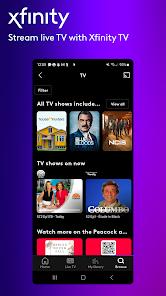
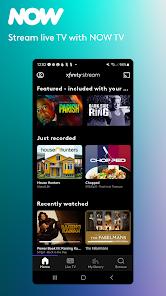
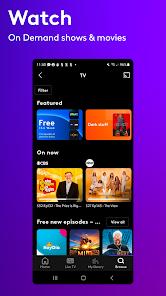
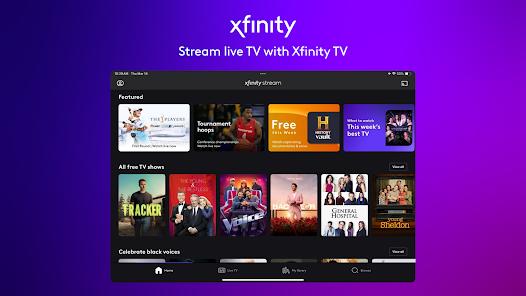
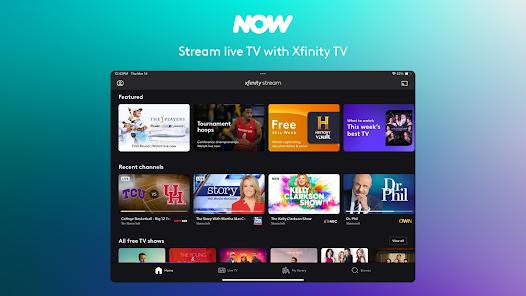
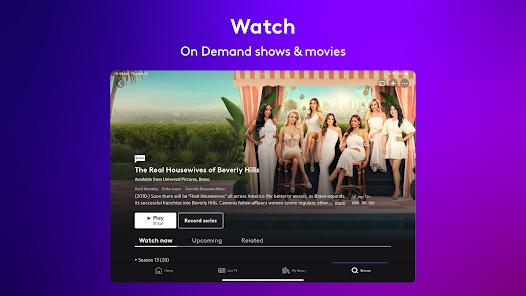
The transition from physical hybrid fiber-coaxial networks to cloud-native mobile streaming platforms remains a key challenge for modern telecommunications providers. Comcast Interactive Media’s "Xfinity Stream" application serves as the primary mobile gateway for Comcast cable and broadband subscribers. The system is designed to virtualize physical cable receiver boxes, allowing subscribers to access live linear TV, personal cloud DVR recordings, and video-on-demand catalogs directly on mobile devices.
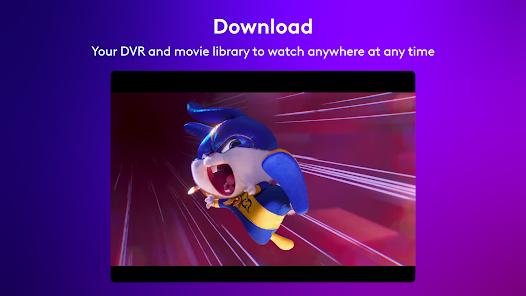
The application is built around adaptive bitrate streaming engines designed to scale video resolutions based on network capacity, mitigating buffering during cellular handoffs. It features a robust download utility that allows users to locally store completed cloud DVR recordings and purchased content for offline use.
Xfinity Stream also incorporates Nielsen measurement software, allowing users' viewing habits to contribute to national TV rating systems. Despite early user friction regarding typographic scaling and casting restrictions, the application has matured into a powerful entertainment utility, bridging traditional linear television with the expectations of modern on-demand consumers.
Pros & Cons
Integrated Nielsen Measurement: Features digital research tools to easily contribute viewing data to national ratings.
Extensive Live TV Integration: Grants access to over 250 channels and local affiliate broadcasts over your residential gateway.
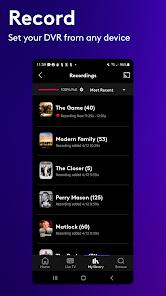
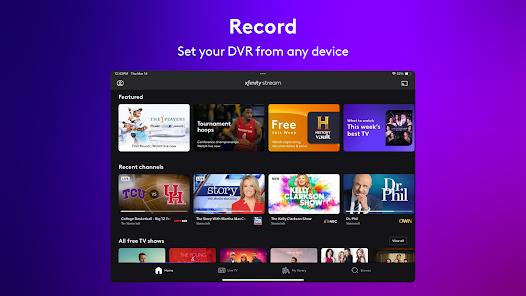
Full Cloud DVR Management: Allows users to schedule, modify, and review their DVR recording list remotely from any mobile device.
Reliable Offline Playback: Allows users to download DVR recordings and on-demand titles to local storage for offline use.
Consolidated Media Library: Merges live broadcasts, cloud DVR recordings, and on-demand options into a single, unified interface.
- ✕
Strict Network Restricting Rules: Gates access to a significant percentage of channels when the device leaves the home network.
- ✕
Mandatory Comcast Account Requirements: Requires an active, paid Comcast TV or Internet service plan, offering zero utility to non-subscribers.
- ✕
Non-Standard Android Layouts: Uses custom navigation layouts that deviate from standard Material Design guidelines, resulting in a steeper learning curve.
- ✕
High Background Data Overhead: Demands a massive amount of cellular data during live streams, requiring careful monitoring on limited plans.
Download


FAQs
Why are some of my channels locked when I am away from home?
Content licensing terms restrict regional networks and select premium channels to your verified residential network.
Can I download my shows to watch while traveling offline?
Yes, the application supports downloading cloud DVR recordings and selected on-demand titles directly to your device.
What are the minimum system requirements for Xfinity Stream?
The application requires your device to run a minimum operating system of Android 7.0 or higher.
Does the application support Google Chromecast casting?
Yes, you can cast your linear streams and on-demand titles to supported televisions or Chromecast devices.
Can I use my Xfinity Stream account on more than one device at a time?
Yes, the platform allows multiple registered devices in your household to stream content simultaneously.
Hot Reviews
The offline download feature works beautifully. Being able to download recorded sports and movies to a tablet before a long flight is a fantastic convenience.
The geofencing limitations can be incredibly frustrating. Not being able to stream local news channels or major networks while out of state makes the app far less useful.
The user interface guide can feel bloated and slow to load, especially when scrolling through hundreds of channels on mid-range devices.