
Graphionica: insta story maker
Overview
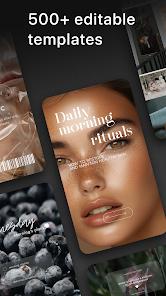
Graphionica is an advanced graphic design and multimedia collage tool optimized for social content curators. Unlike automated template apps, Graphionica is designed around a multi-layered, non-destructive canvas that gives users precise control over their visual layouts. The application is tailored for professional social media managers, influencers, and brand curators who require cohesive and customized visual aesthetics for Instagram stories, Reels, and digital campaigns without relying on complex desktop software like Adobe Photoshop.
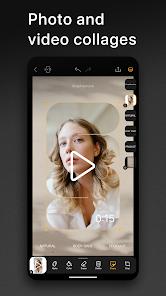
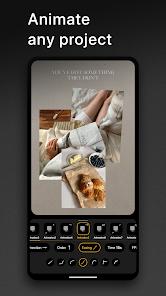
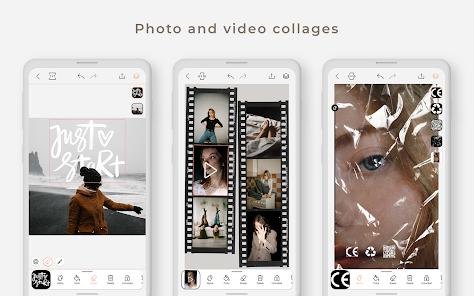
The core technical feature of Graphionica is its unified multimedia canvas, which allows users to edit high-resolution photos and video files together in a single layout. This enables the creation of dynamic collages where video segments play in real-time inside customized frames. The platform features an advanced background eraser that works on both photos and video clips, allowing users to isolate subjects and save them as transparent PNG stickers for future projects. To support professional workflows, Graphionica includes a non-destructive edit history that tracks up to 50 active workspace states, allowing users to easily undo and adjust parameters like position, size, transparency, and background erasure.
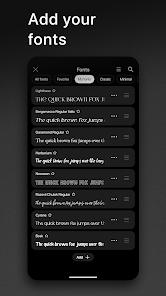
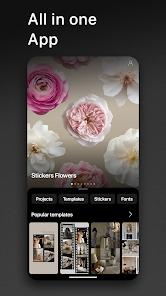
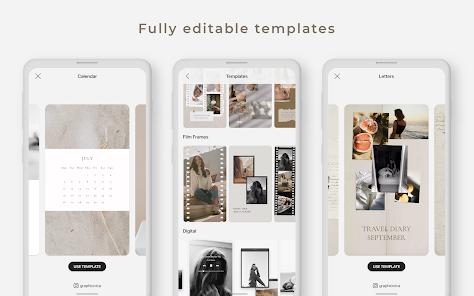
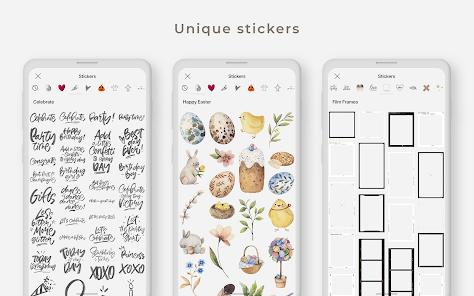
Graphionica also excels in typography and lettering, offering a large collection of custom fonts and pre-made lettering packs with full support for multilingual scripts, including Cyrillic layouts. Users can work with customizable templates, or create, duplicate, and save their own layout configurations to maintain consistent branding. The application uses a freemium monetization model. While basic collage tools, standard templates, and high-resolution exports are free, advanced fonts, premium sticker packs, and video background removal require a Premium subscription. The app’s focus on granular control has established a highly loyal user base.
Pros & Cons
Features a non-destructive, multi-layered collage canvas that supports photos, videos, stickers, and texts simultaneously.
Includes a robust tracking history that logs and reverts up to 50 active editing states.
Features an advanced background eraser that works on both photos and videos to generate custom sticker assets.
Supports high-resolution file exports without compression loss, preserving image quality.
Offers an extensive range of stylized fonts, with full layout support for Cyrillic and multilingual character sets.
- ✕
Interface limitations make zoom-in and micro-level layout adjustments difficult when editing fine details on smaller mobile screens.
- ✕
The subscription pricing details are not clearly presented to the user prior to activating the free trial period.
- ✕
The catalog of free fonts and sticker packs receives slower update cycles compared to larger competitors.
- ✕
Importing transparent PNG assets can occasionally result in rendering glitches that add solid backgrounds.
Download
 Get it on Google Play
  Get it on App Store
 FAQs
Can a user edit video layers in the same workspace as photos?
Yes, the editor supports simultaneous rendering of video files and static photos within the same collage project.
How does the background eraser tool generate custom stickers?
The tool isolates the foreground subject from an uploaded image or video, erases the background, and allows saving the output as a transparent PNG sticker for future layouts.
What are the limitations of the free tier compared to Premium?
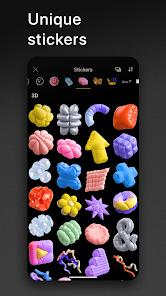
The free tier offers comprehensive access to standard layouts and basic collages. Premium unlocks the entire catalog of premium fonts, advanced sticker packs, and video background erasure.
Does the application support custom template saving?
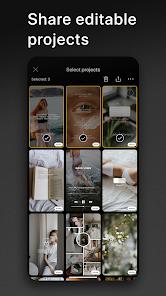
Yes, users can save their completed collage compositions as custom, editable templates to reuse across social media feeds.
How far back can a user undo edits in a project?
The integrated editing history tracks up to 50 structural states, allowing users to undo scale, position, color, and layer modifications.
Hot Reviews
A highly reliable tool for social media management, praised for its layered timeline and the ability to combine videos and text in custom collages.
Long-time users highlight the application's reliable performance and stability over several years of continuous design workflows.
Some users suggest adding a zoom-to-canvas feature, as aligning small elements and managing complex overlapping layers can be difficult on touchscreens.