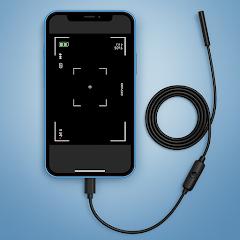
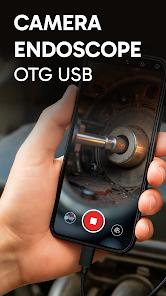
Camera endoscope / OTG USB
Overview
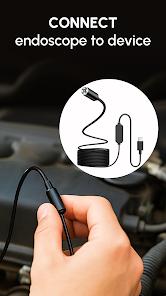
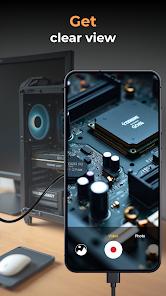
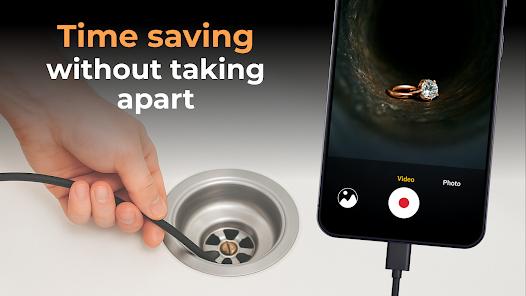
Endoscope Camera: USB OTG Camera is a highly specialized utility that transforms an Android device into a professional-grade inspection monitor. This software bridges the gap between portable mobile hardware and industrial inspection peripherals such as endoscopes, borescopes, and microscopes. By utilizing the USB Video Class (UVC) standard and the USB On-The-Go (OTG) protocol, the application enables the real-time transmission of video feeds from external cameras directly to the smartphone screen.
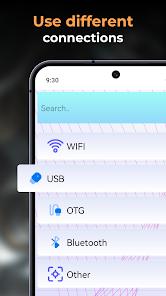
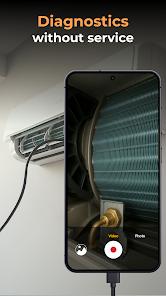
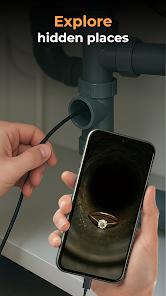
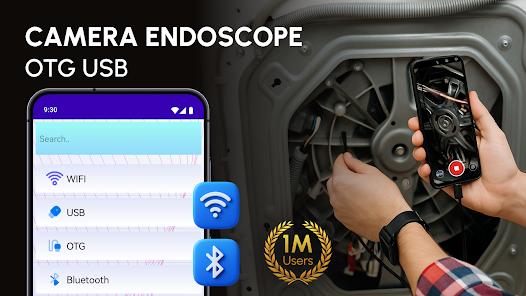
From a technical perspective, the application is engineered to handle the complexities of external driver management. It includes a built-in "OTG Connector Software" that handles the handshake between the Android OS and the external camera chipset. This is particularly insightful given the fragmentation of the Android ecosystem; not all devices support OTG by default, and Endoscope Camera includes an "OTG Checker" to diagnose hardware compatibility before a user attempts an inspection. This diagnostic approach is critical for professionals—such as automotive mechanics, plumbers, and HVAC technicians—who rely on the app for high-stakes diagnostic work in hard-to-reach areas like engine cylinders or clogged plumbing systems.
The application also serves as a robust media management system. During an inspection, users can capture high-resolution images and record videos with a single tap. All media is automatically organized into a built-in gallery, allowing for immediate review, deletion, or sharing with clients. The April 2025 update (version 2.0.1) significantly improved the frame rate stability for high-definition 1080p feeds and added support for Android 14's enhanced storage permissions.
Pros & Cons
Real-Time High-Definition Monitoring: Provides a lag-free live video feed from connected external USB cameras.
Proactive Compatibility Testing: Includes an integrated OTG checker to verify hardware support before use.
Advanced Media Management: Features a built-in gallery for organized storage, sharing, and management of inspection files.
Universal UVC Support: Compatible with a vast range of third-party borescopes, endoscopes, and digital microscopes.
Intuitive "Plug-and-Play" UI: Designed for immediate use in high-pressure professional environments with minimal setup.
Multi-Orientation Support: Features image mirroring and rotation settings to accommodate different camera positions.
- ✕
Hardware Vulnerability: Performance is highly dependent on the quality of the physical OTG adapter and cable used.
- ✕
In-App Advertising: The free version contains frequent advertisements that can interrupt the flow of an inspection session.
- ✕
Power Management: External cameras draw power directly from the smartphone, leading to increased battery consumption.
Download
 Get it on Google Play
  Get it on App Store
 FAQs
Does this app work with wireless/WiFi endoscopes?
This specific package is optimized for wired USB OTG connections. Wireless cameras generally require separate manufacturer-specific apps.
Why is my screen black after connecting the camera?
This is usually due to the device not supporting the UVC standard or the OTG function being disabled in the phone's system settings.
Can I use this for medical examinations?
No, this application and consumer-grade endoscopes are strictly for industrial and DIY use and are not certified for medical diagnosis.
Does the app support audio recording?
Most industrial borescopes do not have built-in microphones, but the app can often record audio via the phone’s microphone to accompany the video feed.
How do I delete old inspection photos?
Within the app's gallery, users can long-press any image or video to reveal the management menu, which includes a delete option.
Hot Reviews
Professional mechanics have praised the app for its clarity when inspecting engine components, noting that it turns a standard phone into a powerful diagnostic tool.
Some users have expressed dissatisfaction with the ad frequency, noting that seeing an ad while trying to find a leak in a dark pipe can be highly inconvenient.
Homeowners have used the app effectively to locate clogs in drains and inspect behind drywall, finding the interface simple enough for non-technical users.